Still using an older version of TOS? It's time to upgrade! The new TOS 6 brings more features, better performance, and a more user-friendly experience. x86 Series Users: Update sequence: (TOS 4.2.44---TOS 5.0.XX) → TOS 5.0.176 → TOS 5.1.24 → (TOS 5.1.145---6.0.229) → TOS 6.0.530 → Latest version of TOS 6 Update guide: https://sourl.cn/rvi53x TOS6: https://sourl.cn/ppYhAa #TerraMaster #TOS6 #TOSUpgrade #NAS #SmartStorage #DataManagement
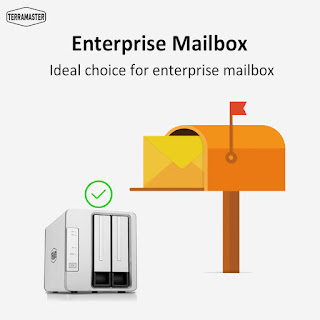
1. Install and enable the MySQL server in the application center; 2. Install the Mail Server in the application center; 3. Open the Mail Server; 4. Check "Enable e-mail server", then click "Apply". 5. Create a domain name in the domain name column, then set your mail account number and mailbox storage capacity; 6. Create a mail account using the mail account list. More info: https://sourl.cn/Uyb7Pi #TerraMaster #TNAS #Mailbox #enterprise
Once you enable media indexing and add an indexed shared folder, the photos, audio, videos, and files within it will be scanned and added to the media index library. 1.TOS- "Control Panel"- "Network Services" > "Media Index." 2.Check "Enable Media Index" and add the indexing folder. 3.Select the file types and click "Confirm." More info: https://sourl.cn/GMrHey #TerraMaster #MediaIndex #TNAS #MultimediaServer #DataManagement #TOS
评论
发表评论